Faster help. Clearer priority. Fewer interruptions.
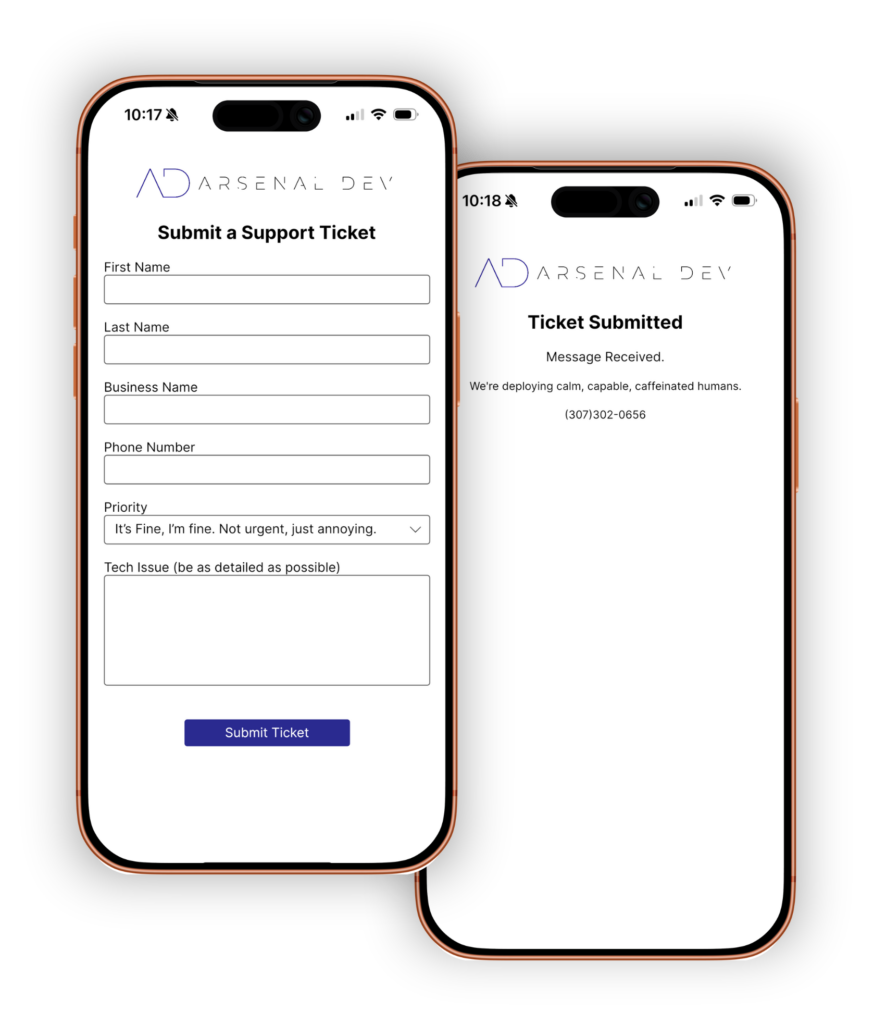
Use the app to tell us what you need, how urgent it is, and attach notes so we can route it to the right tech immediately.
Submit a ticket in seconds
Set an urgency level (Low / Normal / Urgent)
Add photos or screenshots
Get updates without chasing us
1) Download the app from the App Store2) Fill out the request form3) Tap Submit
That’s it. Our team handles the rest.
(P.S. If this is your first time using the app, make sure you open and close it once before submitting a ticket.)
Get the app here: Download the App